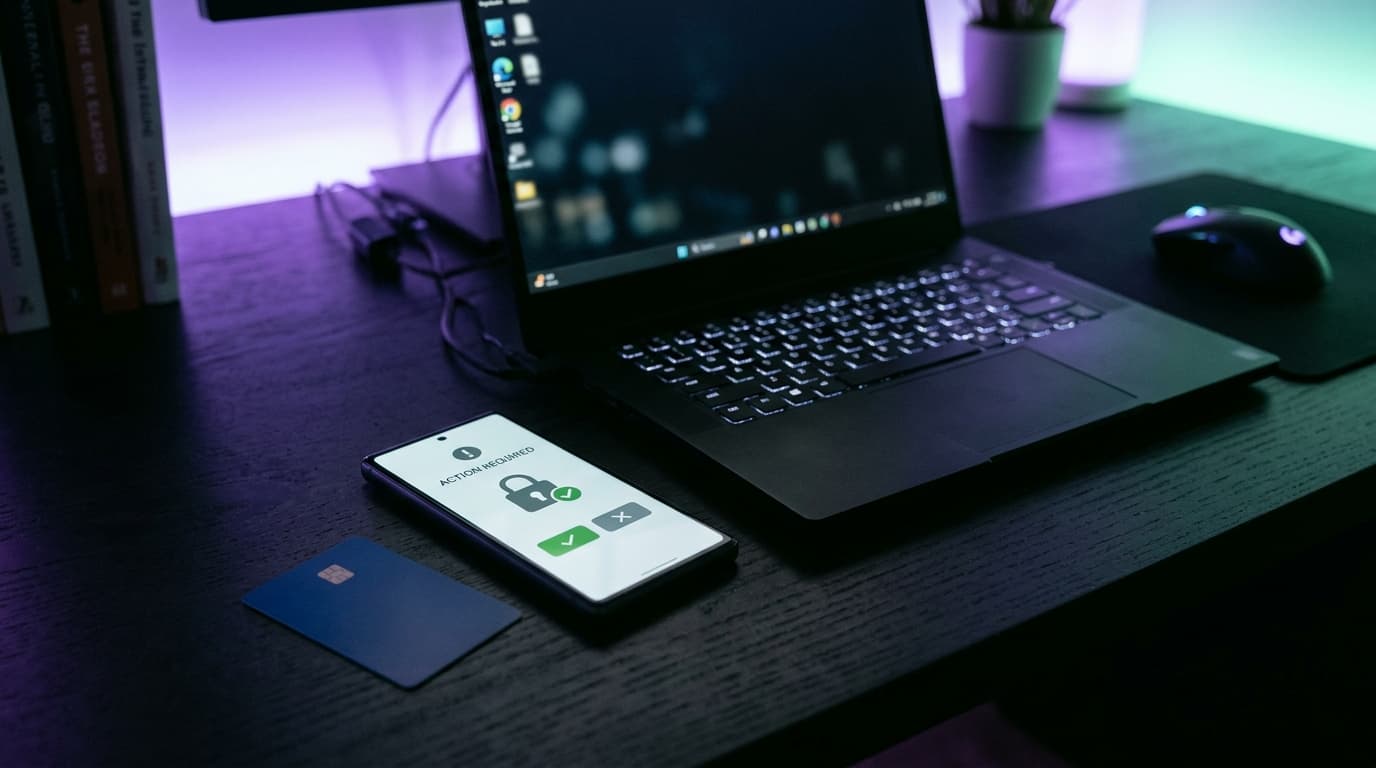
3D Secure is the second check that pops up when you pay by card online. With a neobank it takes one tap: a notification arrives in the app, you confirm with your fingerprint or passcode, and the merchant's site takes over again within seconds.
What is 3D Secure, and how does it relate to strong customer authentication?
3D Secure is a card network protocol. It asks the bank that issued your card to confirm that you are the one paying, before the merchant collects the money. Visa has renamed it Visa Secure, Mastercard calls it Identity Check. The old names, Verified by Visa and SecureCode, still linger on some payment pages.
Strong customer authentication, on the other hand, is a legal obligation. The EU Payment Services Directive, known as PSD2, has required it since 14 September 2019, the date Delegated Regulation (EU) 2018/389, published by the National Bank of Belgium, started to apply. The principle: two independent elements from three families.
- knowledge: a code, a password;
- possession: the phone paired with the account, a card inserted into a reader;
- inherence, in other words your body: a fingerprint, your face.
Online, 3D Secure is the pipe through which that obligation flows.
How do you approve a 3D Secure payment at Revolut, N26, bunq or Wise?
In the app, almost always. The four neobanks we follow have replaced the text message code with a notification, and that is real progress: a code sent by message is far easier to intercept than a biometric approval on a paired device.
| Neobank | Approval method | Without the paired phone | Worth knowing |
|---|---|---|---|
| Revolut | Alert in the app, to approve | No option described in the help page checked | Introduced in August 2019 |
| N26 | Notification on the paired phone only, also reachable via the bell on the home screen | Pair the new device first | Switched on when the card is activated |
| bunq | Notification to approve or decline, or via the bell in the profile | No option described | The request expires after 15 minutes |
| Wise | App, or code by text message or phone call according to its launch announcement | Text message or call to the account number | Methods to check in the current help pages |
Checked on 4 November 2026 on the help pages of N26 and bunq, Revolut's help pages and the 3D Secure launch announcement published by Wise.
The downside is clear. No phone, no online payment. Last year, when I switched devices, I spent a whole evening unable to pay for a booking with my N26 card while the old phone was unpaired and the new one recognised. Nothing serious, but the booking did not wait.
Where do I find my 3D Secure code?
Nowhere, at a neobank. Revolut, N26 and bunq do not send a code: the app acts as the possession factor, and your fingerprint or passcode does the rest. If a page asks for « the 3D Secure code received by text » when your bank never sends one, close it.
Why do some payments go through without approval?
Because the regulation provides exemptions, which the merchant requests and your bank accepts or refuses. The most common ones:
- online purchase of €30 or less, as long as the running total since the last approval stays under €100 or five transactions (Article 16);
- contactless payment in a shop of €50 or less, with a running total of €150 or five payments (Article 11);
- recurring transactions of the same amount to the same payee, after the first one (Article 14);
- a payee you have added to your trusted list (Article 13);
- a favourable risk analysis by the bank, up to €100, €250 or €500 depending on its fraud rate (Article 18);
- merchant-initiated payments, such as a charge after an order ships, which fall outside the authentication rules.
A worked example makes the €30 rule concrete. You pay €12 for e-books, €4.99 for an app, €27 for a delivered meal, €24 for a train ticket, then €29 for supplies: five purchases, €96.99 in total, all exempt if the bank agrees. The sixth, even at €3, triggers an approval. And nothing forces your neobank to play along: it can require authentication every single time.
My 3D Secure payment failed: what should I do?
Check the app history first, then follow the matching case.
| Case | Likely cause | What to do |
|---|---|---|
| No notification received | Phone not paired, notifications off, no signal | Open the app and look for the request under the bell |
| Notification approved, payment declined | Merchant page timed out in the meantime | Retry the payment once |
| Request expired at bunq | 15-minute window exceeded | Start again from the merchant's site |
| Instant decline with no request | Merchant without 3D Secure, or limit reached | Check your limits, try a virtual card or another method |
| New phone | Device not yet paired | Pair the device before paying |
| Notification for a purchase you are not making | Fraud attempt in progress | Decline, freeze the card, report it |
The last case deserves one more line. A declined notification beats ten explanations to customer service.
One Sunday evening, on a train with no signal between Namur and Brussels, I approved a bunq purchase about twenty minutes too late: request expired, payment failed, basket emptied by the site. The 15-minute rule is not an abstraction.
Can I turn off 3D Secure or pay on a site that does not ask for it?
No to turning it off. None of the neobanks available in Belgium lets you switch off strong authentication, and the rules do not allow it for payments you initiate within the EU. bunq only lets you set an auto-accept limit per merchant, in the security settings.
Sites « without 3D Secure » do exist, mostly outside the EU, where the rule does not apply in the same way. A payment that goes through without a check is not more convenient for you: it is more convenient for anyone who has copied your card.
Who refunds you if a payment goes through without strong authentication?
Your bank, in principle. Article 74 of Directive 2015/2366, transposed into Book VII of the Belgian Code of Economic Law, provides that the payer bears no financial loss when their provider did not require strong customer authentication, unless the payer acted fraudulently. The €50 excess that applies before you report a problem then falls away.
The nuance matters, and fraudsters know it by heart. A notification you approved yourself, because a fake adviser told you it would « cancel » a payment, makes the transaction an authorised one. Always read the amount and the merchant name shown before you tap, and report suspicious messages to Safeonweb, the Belgian government's cybersecurity awareness service. The full regime is covered in our article on bank fraud refunds, and disputes with a seller who does not deliver in our article on chargebacks.

Bancontact, card reader and app: approval the Belgian way
Customers of Belgian banks know a different routine. At Belfius, an online purchase is confirmed in the Belfius Mobile app, by scanning a QR code on a computer or by switching straight to the app on a smartphone. BNP Paribas Fortis offers its Easy Banking app for Bancontact and Visa payments, and in other cases asks for the card and the card reader. When I worked as a branch adviser, a good share of Monday calls were about a card reader whose batteries had died the day before a booking. Neobanks have no card reader, and their cards never carry Bancontact, Belgium's domestic debit card scheme, as we explain in neobanks and Bancontact: everything goes through Visa or Mastercard, and therefore through 3D Secure.
In short
3D Secure is how strong customer authentication works online. At a neobank it boils down to a notification you read before approving, which means keeping the paired phone at hand. Small purchases and subscriptions often go through without approval, though the bank is not obliged to allow it. And if it lets a fraudulent payment through without asking for anything, the loss is its own. For purchases on unfamiliar sites, a virtual card adds a layer of caution. Our comparison tool lines up the cards and apps of the neobanks available in Belgium.
This article provides general information on payment security and is neither legal advice nor investment advice.
Sources: Directive (EU) 2015/2366 on payment services, Articles 74 and 97; Commission Delegated Regulation (EU) 2018/389 of 27 November 2017 (regulatory technical standards for strong customer authentication), published by the National Bank of Belgium; Delegated Regulation (EU) 2022/2360; Book VII of the Belgian Code of Economic Law; Revolut, N26 and bunq help pages on 3D Secure, checked on 4 November 2026; Wise's 3D Secure launch announcement; Belfius and BNP Paribas Fortis help pages on online purchases, checked on 4 November 2026; Safeonweb.
Cartes & paiements comparator
Compare all cartes & paiements side by side.
Compare now →
Frequently asked questions
Maxime suit le secteur des néobanques et de la fintech belge depuis près de dix ans. Ancien conseiller en agence devenu analyste indépendant, il ouvre et teste lui-même les comptes qu’il compare, décortique les grilles tarifaires ligne par ligne et traque les frais cachés derrière les offres « gratuites ». Son objectif : aider les Belges à payer moins et choisir une banque qui colle vraiment à leur usage, sans jargon ni argument commercial.